Product user manual
Reports Hub | Rabbit Accounts User Manual
Use this page to understand where Reports Hub fits in Rabbit Accounts and what operators should expect on the screen.
Rabbit Accounts
Need technical behavior, source use cases, or Playwright evidence? Open the linked use-case page.
S16
Reports Hub
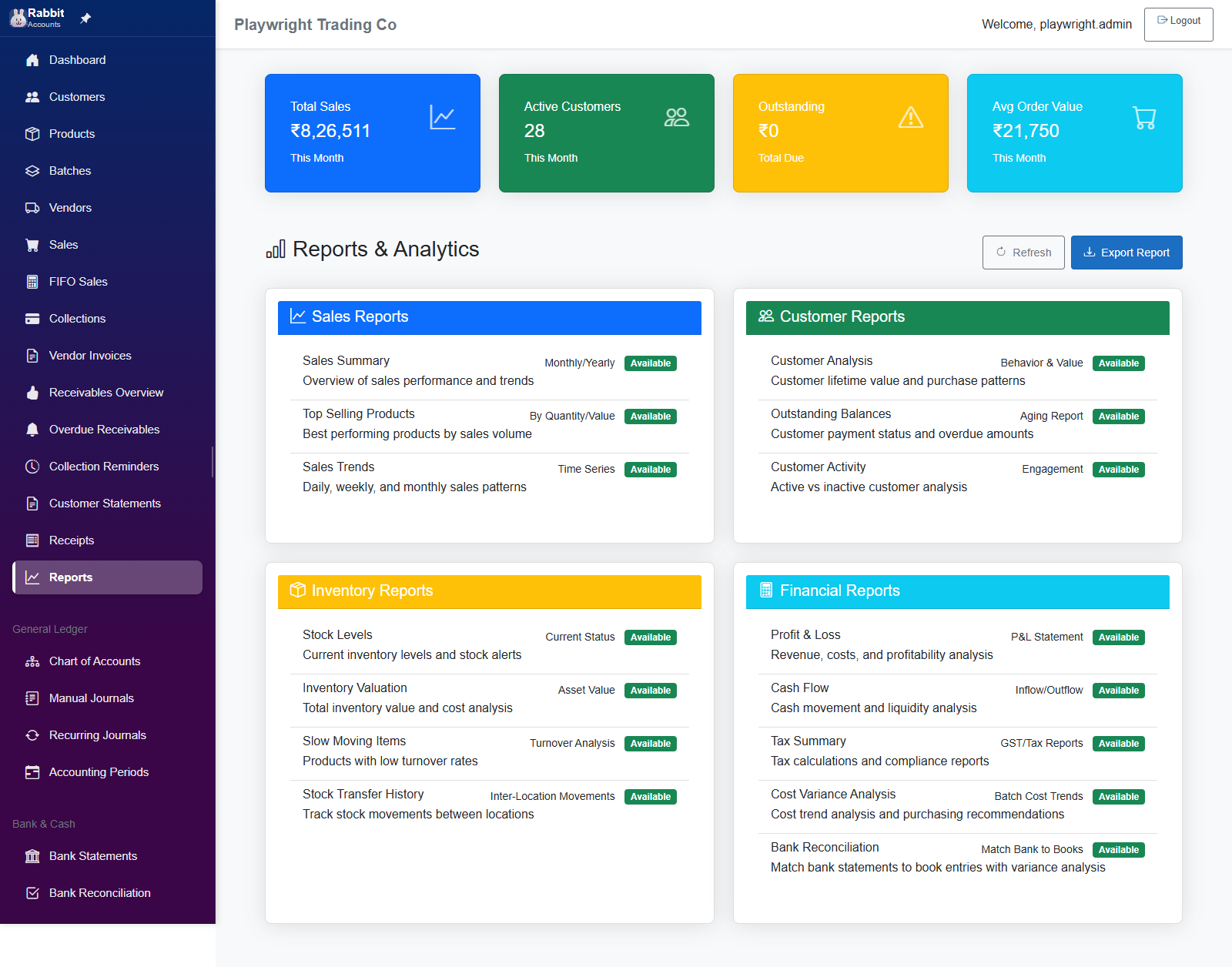
Reports hub page providing current navigation to 15 report destinations across 4 categories: Sales, Customer, Inventory, and Financial. Tile availability and destinations are driven by `ReportConfigurationService`.
Before you start
Prepare the screen context
- Sign in and make sure the correct business is selected.
- Make sure the business already has recent transactions or master data so the report is meaningful.
What you can do here
Primary tasks
- Report Tiles
- KPI Cards
- Refresh
- Export
- Route Branching To Subreports
Key areas on the screen
What to look for first
- Page Header & Actions
- KPI Summary Cards
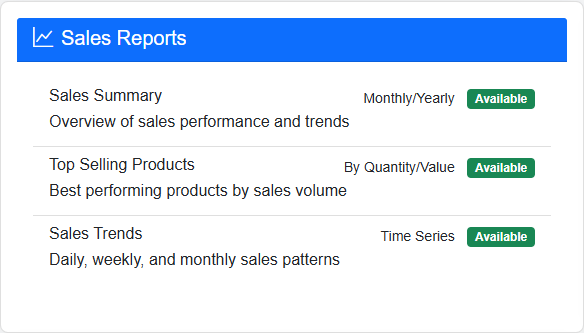
- Sales Reports Card
- Customer Reports Card
- Inventory Reports Card
Related pages
Next places to go
Visual walkthrough
Screen snapshots
Open any image for a closer look. The manual keeps screenshots on screen pages so the index stays light.