Product user manual
Dashboard | Rabbit Accounts User Manual
Use this page to understand where Dashboard fits in Rabbit Accounts and what operators should expect on the screen.
Rabbit Accounts
Need technical behavior, source use cases, or Playwright evidence? Open the linked use-case page.
S01
Dashboard
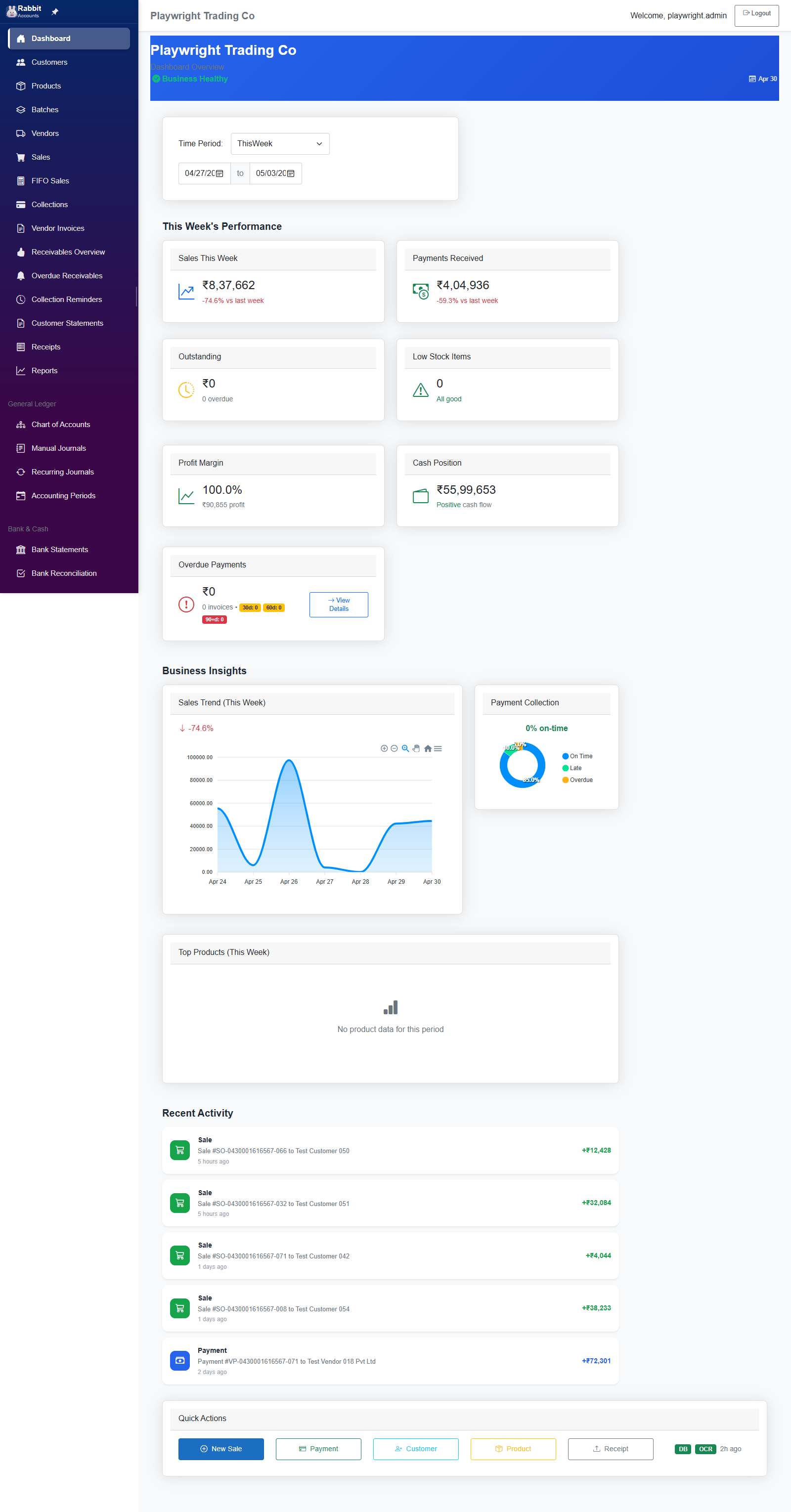
The Dashboard is the landing page after login, providing business health overview with KPIs, charts, and quick actions.
Before you start
Prepare the screen context
- Sign in and make sure the correct business is selected.
What you can do here
Primary tasks
- KPI Cards
- Period Filters
- Alert Widgets
- Drill-down Cards
- Refresh Actions
Key areas on the screen
What to look for first
- Page Header & Business Context
- Time Period Filter
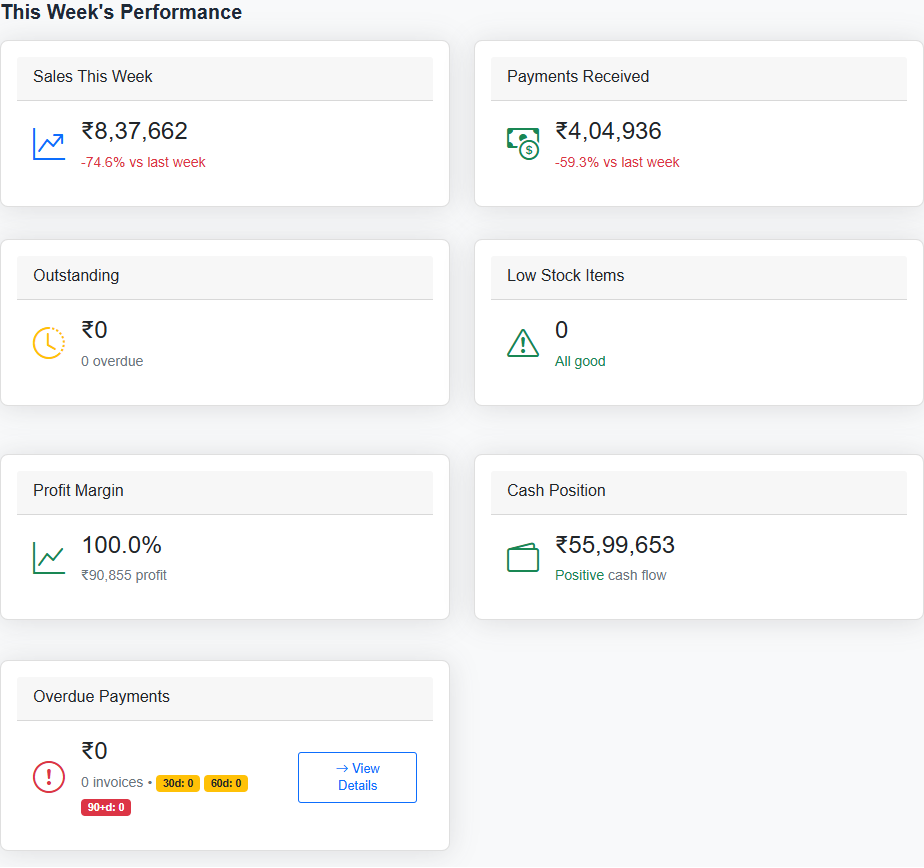
- Key Metrics Cards (Row 1)
- Business Intelligence Metrics (Row 2)
- Business Insights Charts
Related pages
Next places to go
Visual walkthrough
Screen snapshots
Open any image for a closer look. The manual keeps screenshots on screen pages so the index stays light.